
Pilot just launched a free trial so any business can see its finances

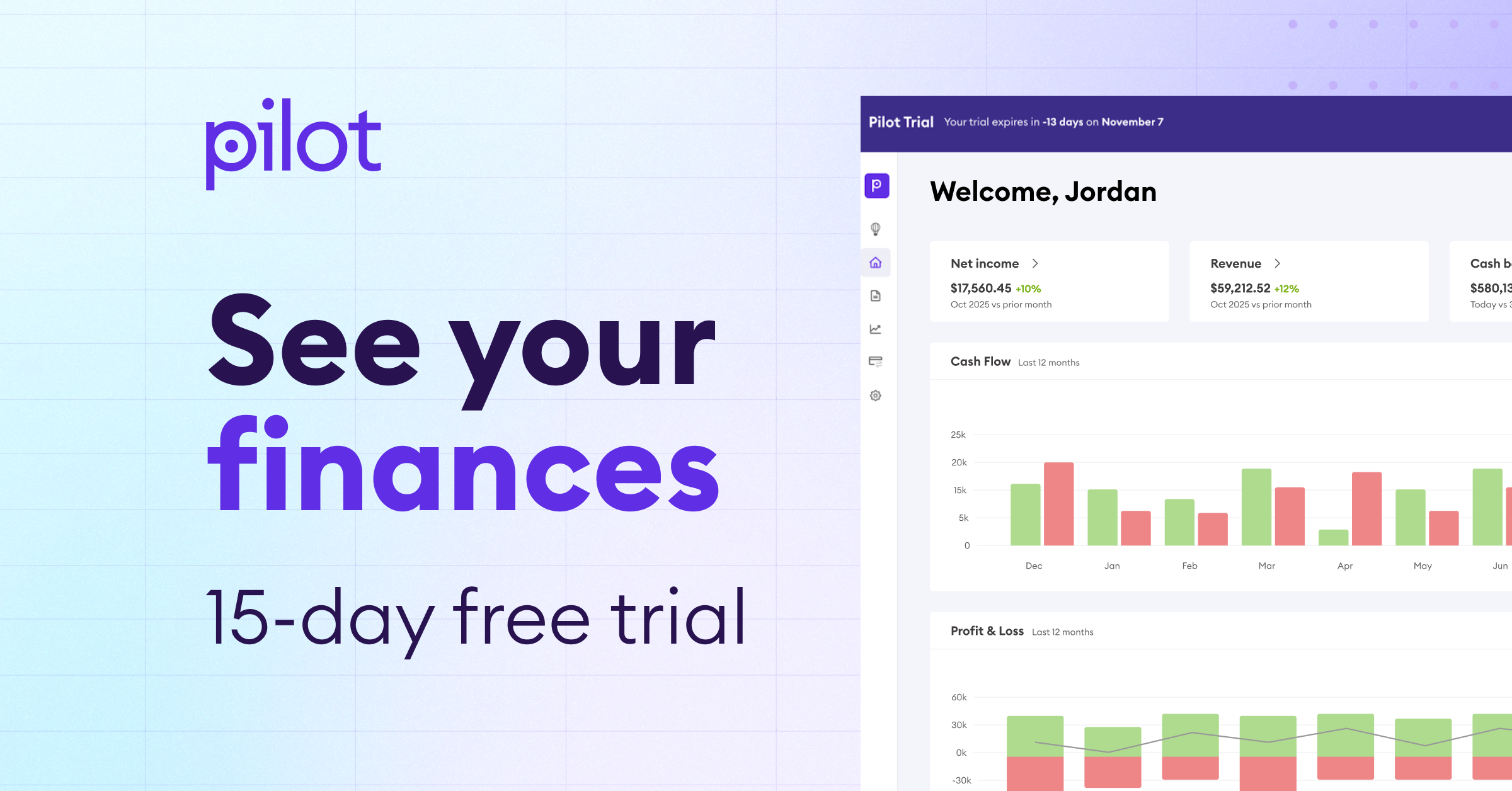
Most business owners have a half dozen places where they keep company money: Banks. Cards. PayPal. Square. That makes it hard to know how much you actually have to spend, or how much you’re making—which is no way to run a business.
And yet, owners say the alternative is worse. They’d have to launch a self-serve accounting software, learn basic accounting, do all the work themselves, and then wonder if they did it right.
To automate all that away, we launched a free trial of Pilot.
Now, you can see your income, expenses, profit, loss, and cash flow all in one place for free. If you find that useful, you can continue on a paid plan.

What can I do in the free trial version of Pilot?
The Pilot free trial gives you access to the Pilot portal where you can connect your banks and card providers securely via Plaid. That brings in all your data, and populates some very useful charts. (See all integrations.)
Pilot helps you quickly understand the health of your business, without all the typical work.

So far, other small business owners are using it to:
→ See all their income and expenses in one place
Finally, see how much cash you actually have, and how much you owe in loans and on credit cards. Pilot shows you one view where all that balances out.
→ See where your business overspends
When you connect your accounts, Pilot’s AI accountant auto-categorizes all those transactions into sales, contractor pay, travel, meals, etc. That way, you can instantly see where all your money is going.
If anything stands out, Pilot will highlight it for you.
→ Click into any expense to understand it
Pilot’s books let you explore your finances. Click any expense category and see where that total came from. So if you ever wonder, “We spent HOW MUCH on travel?,” you click to see those transactions and how they all add up.
→ Use Pilot’s AI accountant
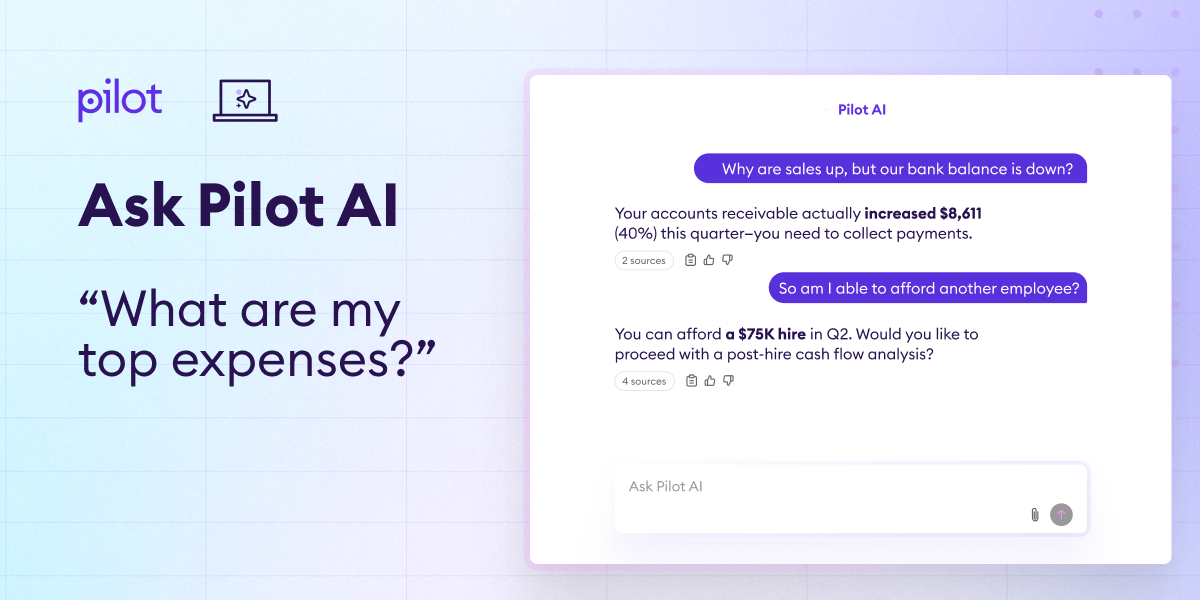
Sure, you can see the numbers. But what do they mean? Ask the Pilot AI accountant and get straightforward answers to:
- What were my top expenses last month?
- How are we doing compared to the same quarter last year?
- If I wanted to cut expenses, where should I start?
- What would you advise us to be more profitable?
Why this AI accountant actually works: Pilot trained our LLM on the books of 7,000 businesses over eight years. And unlike a general purpose AI chat tool, it knows accounting and sticks to just what’s in your actual books.
→ Generate a profit and loss (P&L) statement
This is one of the three key financial statements you need as a business owner. With all your banks and cards connected, you can export that P&L.
Always double-check your P&L before sending it to others, but most owners find the first pass is pretty close.
→ Make a case for a loan
Loan providers like the Small Business Administration, banks like CapitalOne, and others will want to see your statements: P&L, cash flow statement, and balance sheet. Print all three from Pilot. That’s hours of time saved in just a few clicks.
→ Generate a cash flow statement
You can’t run your business by just looking at your bank balance. It may be fine when you’re small. But it doesn’t let you see upcoming expenses and payments, so you can’t really plan.
Use your Pilot portal to generate the second foundational report you’ll need: a cash flow statement.
→ Generate a balance sheet
How much cash, assets, and equity do you have in the business? That’s the third foundational report you need: A balance sheet. It shows the business’ assets and liabilities.
→ Export your finances to Excel and forward to an accountant
Pilot is an easy way to share your financials with others. You can export the data into a spreadsheet which organizes all your transactions from all your institutions. Anyone you’re working with, like a tax preparer, gets a full view of your business.
→ Spend analysis (paid feature)
Team overspending on brochures? Did a supplier raise their rates without telling you? If you do decide to keep Pilot and move to a paid plan, it unlocks all sorts of additional analyses to help you run a consistently profitable business.
→ Upgrade to a human bookkeeper anytime, if needed
AI can handle a lot. But it can’t do everything. As your business grows, you may want to be able to ask an expert, “How should I categorize this expense for the maximum tax benefit?” or, “If I want to be able to click in to see how much I pay each type of contractor, what must I change?” For that, there’s the Pilot paid version.
So what happens if you sign up? The 15-day free trial experience
1. Setup takes five minutes
Create an account, create a password, answer a few questions, and connect at least one bank account securely via Plaid. The more of your banks and institutions you connect, the more accurate the numbers.
2. Your data shows up in Pilot instantly
Log in to automatically see your profit and loss statement, balance sheet, and cash flow. Click into expenses, make adjustments, and export if you’d like.
3. You can chat with Pilot’s AI
Ask Pilot AI questions about your burn rate, vendor spend, and cash trends. It can reply with charts.
4. Take your data with you
You can export those statements and data to Excel, so no matter what, this trial was useful. You got three free core financial statements for just a five-minute setup. Pretty great deal.
Care to see?

Miss!


%20(1).png)
.png)